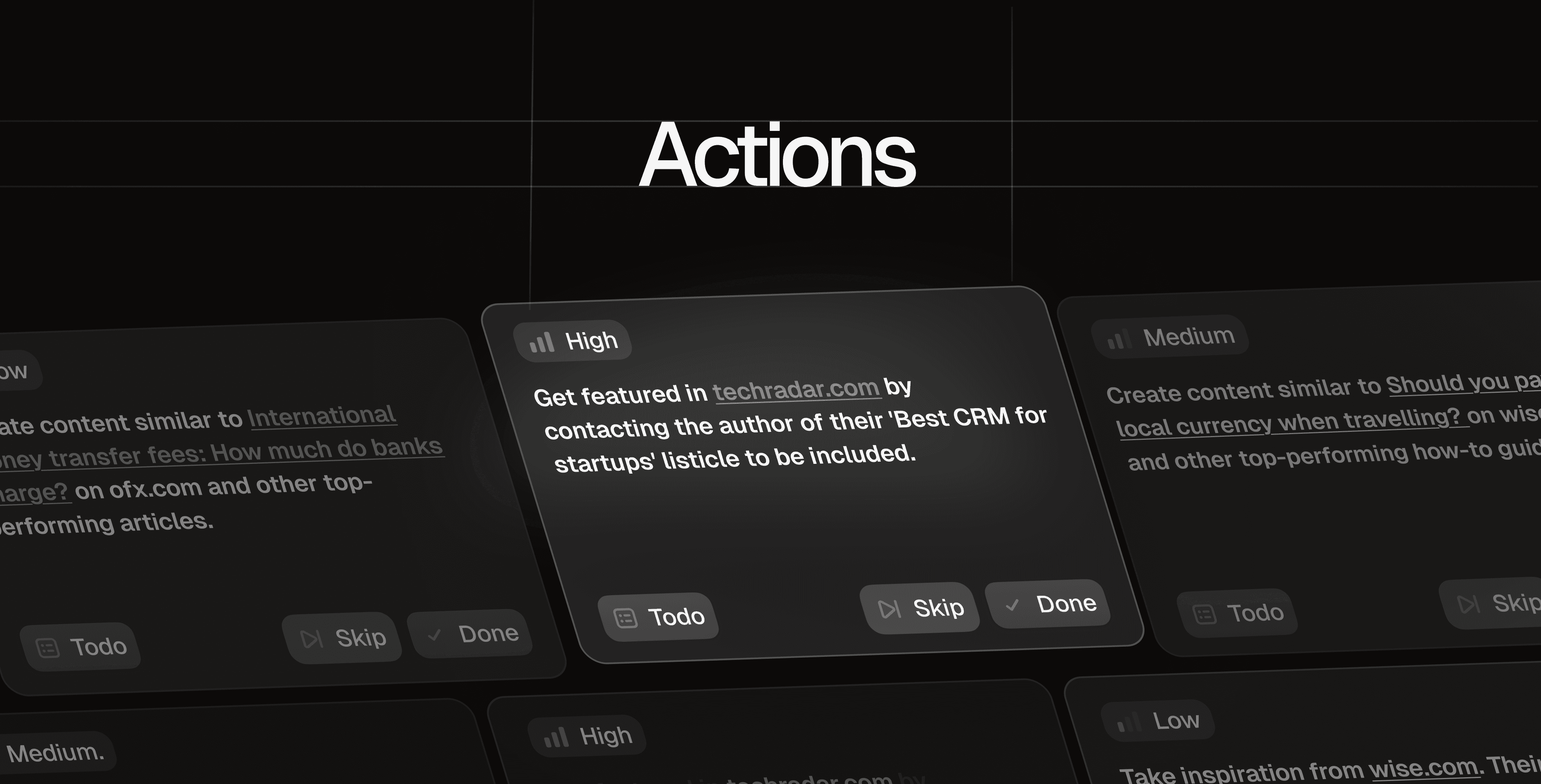
We built Actions to accelerate your GEO workflow
We've shipped Actions, a new feature that turns your AI visibility data into a prioritized list of what to work on next.
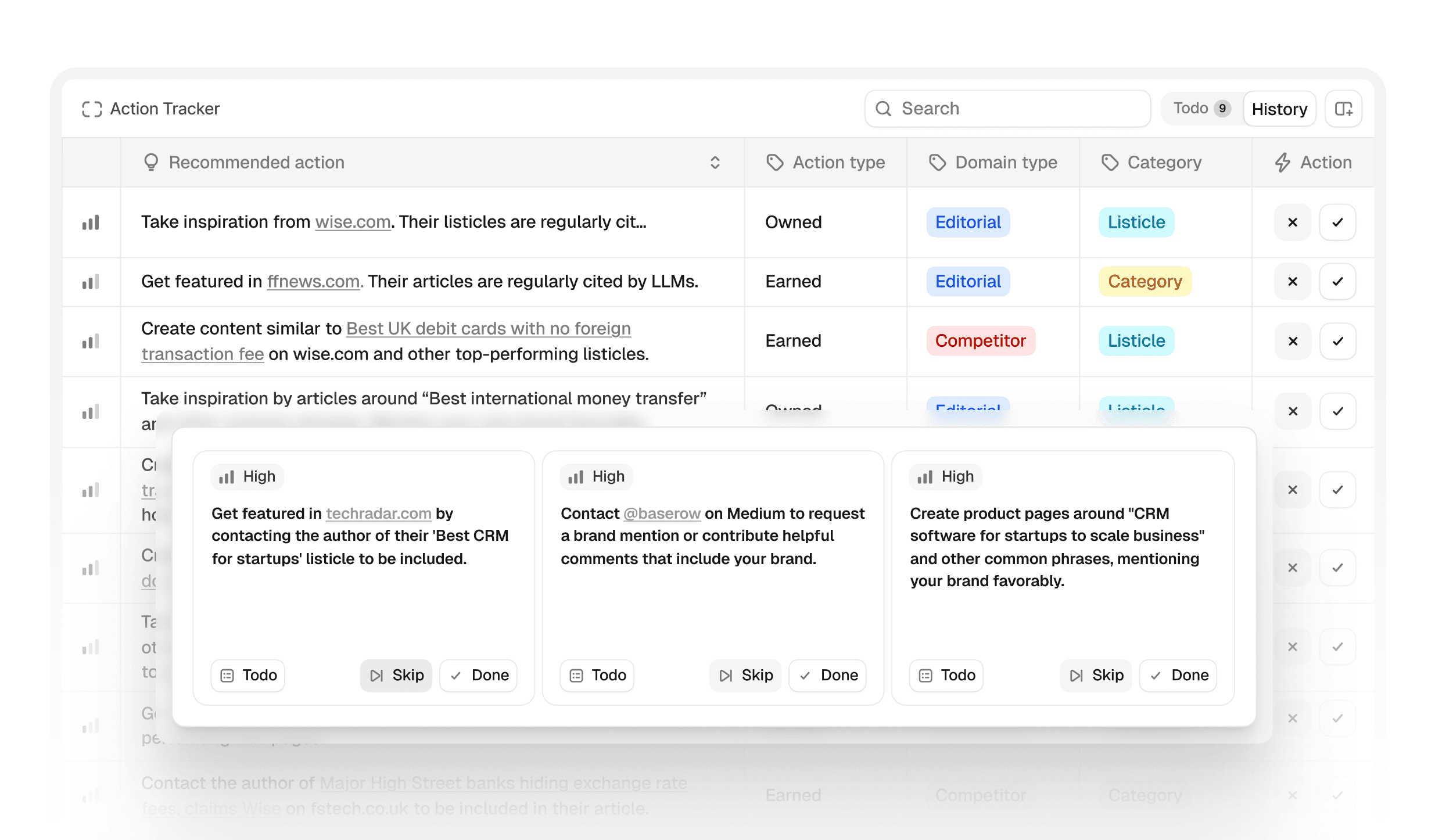
Instead of going through sources row by row to manually decide what matters, Actions groups similar sources together, shows you where competitors are winning, and suggests specific steps you can take to close those gaps.
Why we built this
You don't need another dashboard. You need answers.
When we launched Peec, the feedback loop was clear: teams loved finally being able to see their AI visibility. They could track which sources models cited, where competitors showed up, and how their metrics moved over time.
But the next question was always: "Okay, so what do I actually do about this?"
You'd see that competitors are mentioned in New York Times articles. Great. Now what? Pitch their journalists? Build relationships with the reporters who cover your space? Create content that positions you as a source they'd want to quote?
You'd notice Reddit threads drive visibility for travel queries. Cool. Should you engage in r/SaaS? Create content that gets linked from those threads? Start your own discussions?
The data showed where the opportunity was. But it didn't show what to do or where to start.
That gap between insight and execution is what Actions solves. We built it because knowing your AI visibility score doesn't matter if you can't improve it.
Why we don't automate Actions
Here's what Actions doesn't do: it doesn't write content for you, auto-generate listicles, or spit out generic SEO blog posts.
We suggest options. You decide what to build.
Why this matters:
Every brand has different positioning, capabilities, and strategic priorities. A travel startup and an established travel agency might both see the same Reddit opportunity, but their approaches should look completely different. One might engage directly in communities. The other might create resources those communities naturally link to.
Your positioning, team capabilities, and channel priorities are specific to your business. You know what fits.
So instead of prescribing exactly what to write or where to publish, Actions shows you:
Which content types and channels are influencing AI models the most
Where competitors appear but you don't
Why each opportunity matters and how to prioritize it (based on actual model behavior)
Specific next steps you can take
Then you decide: Does this fit our strategy? Do we have the capability? Is this the right priority right now?
We respect that your judgment, combined with our data, beats any automation we could build.
How Actions work
Actions give you a clear roadmap
Instead of scrolling through 200+ individual URLs, Actions clusters sources that have similar formats or purposes, and prioritizes the ones that you should act on first.
For example:
Join subreddit r/SaaS
Engage with YouTube Channel SaaStr
Create a how-to article about integrating with Salesforce
Try to get included in the "Best Marketing Analytics Tools" listicle on G2
Depending on the Action type, you'll see relevant details like:
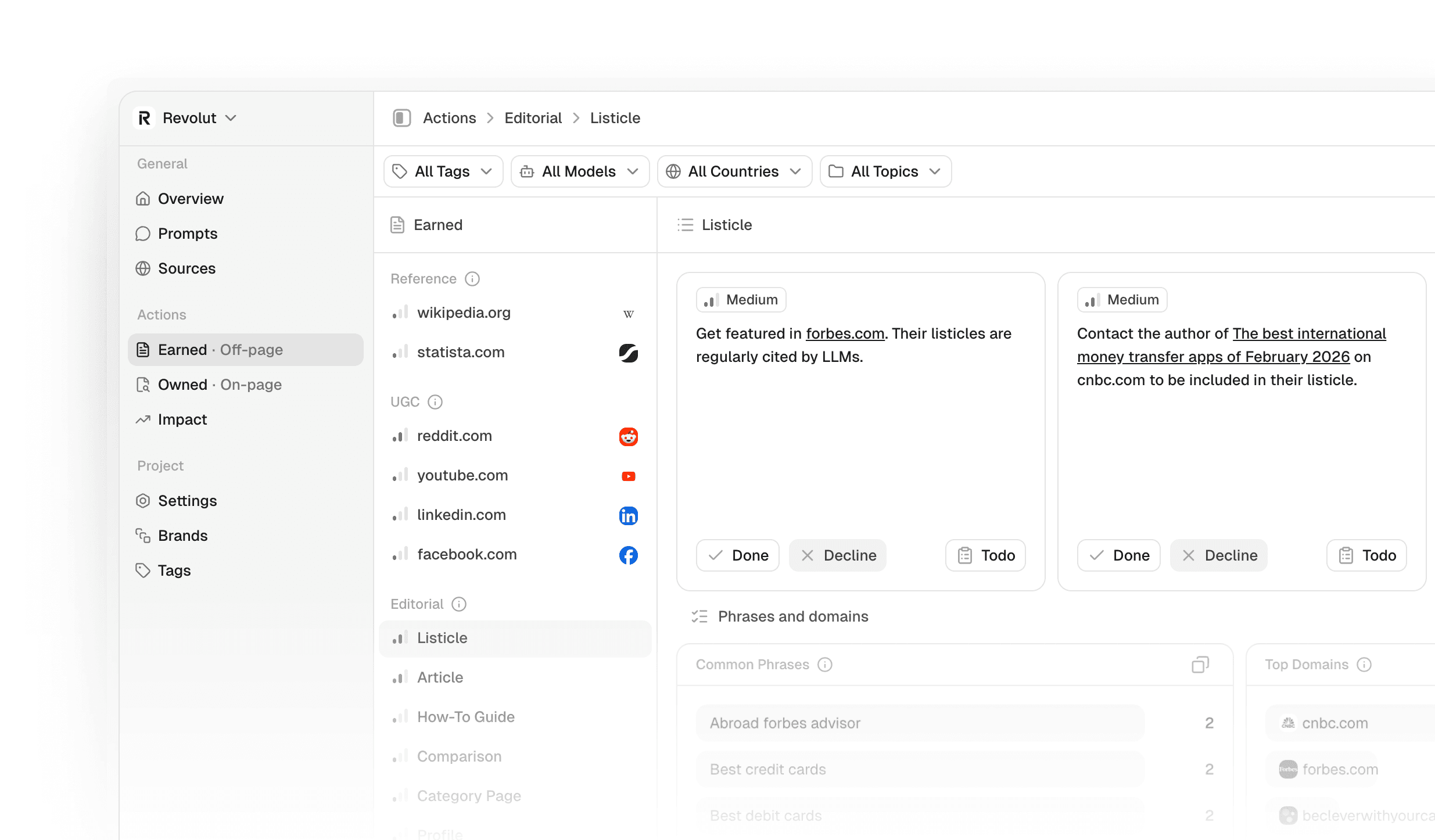
Common phrases people use in those sources (e.g., "best CRM for small teams," "project management software comparison")
Top domains where this content type appears most
Which competitors show up in these sources
Specific recommendations for how to strengthen your presence there and improve your visibility
Earned Media vs. Owned Media
Actions split into two groups based on where you can improve:
Owned Media Actions highlight opportunities to create content on your own website, inspired by what's working for competitors. These include:
Articles
Product pages
Listicles
How-to guides
Category pages
Comparison pages
Earned Media Actions surface third-party sources that influence AI answers:
Editorial: Articles, guides, reviews, and listicles from publishers
UGC (User-Generated Content): Forums, Q&A sites, Reddit, and discussion platforms
Reference: Encyclopedias, glossaries, knowledge hubs, and structured information sources
Relative Opportunity Score (Low, medium, high)
Every Action has a simple score that answers: How much could this move the needle?
The score is based on two factors:
Source usage: How often AI models cite this source type in their responses
Brand presence: How much you appear there compared to competitors
A high score means AI models use these sources frequently, and your competitors appear there more than you do. High usage + big gap = high opportunity.
A low score means either models don't cite these sources much, or you're already well-represented there.
Filter by What Matters to You Right Now
You're not optimizing for everything. You're optimizing for specific goals.
Use filters to focus Actions on what matters:
Model: Get the full picture across all models - or filter for the model you care about the most
Topic: Focus on your product categories or market segments
Country: Narrow to geographic markets you care about
Tags: Drill into specific campaigns or themes
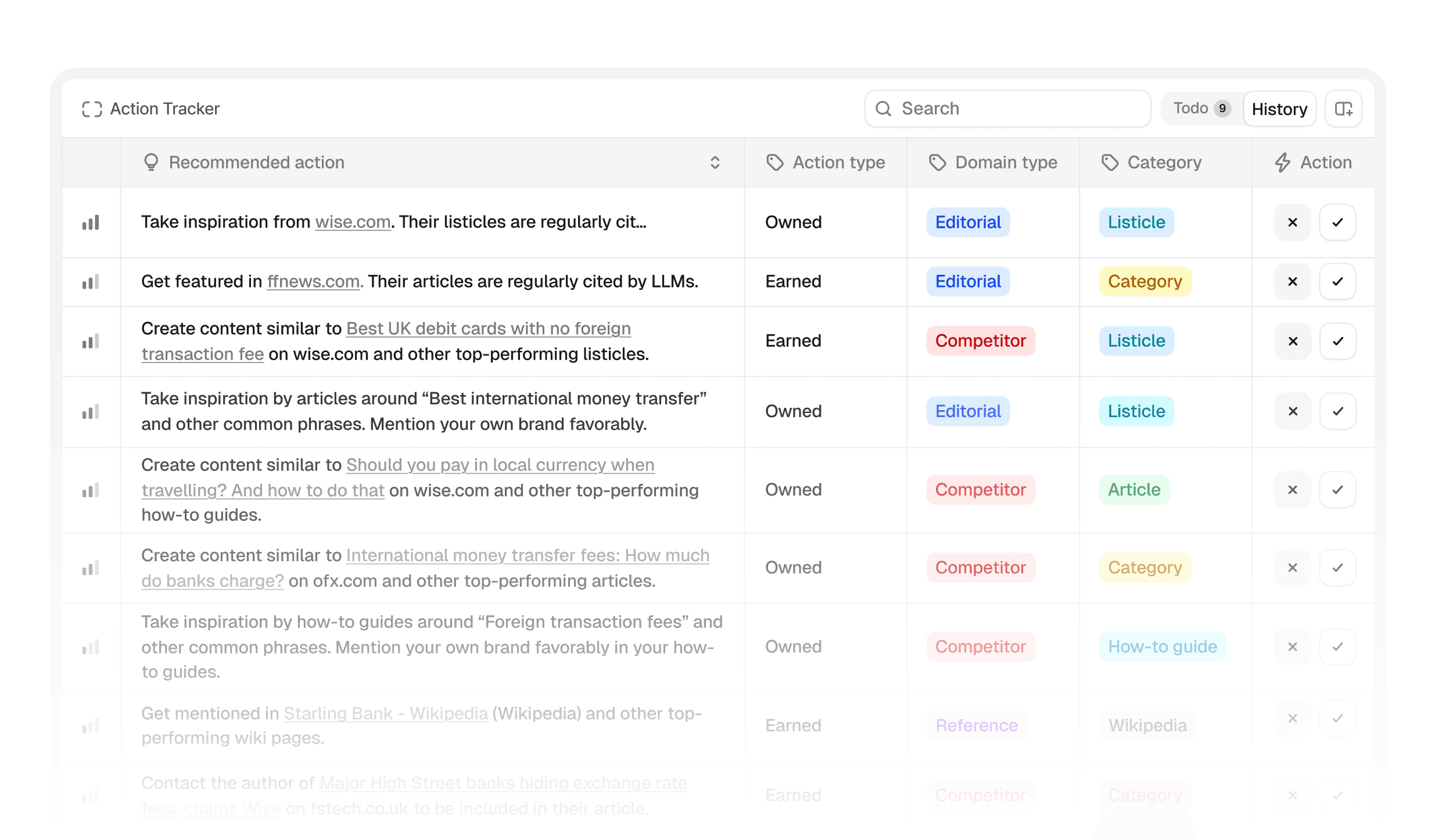
Save, Complete, or Dismiss
As you review Actions, you can:
Save to your to-do for anything worth pursuing
Mark as Done once you've shipped it
Dismiss if it's not relevant to your strategy
All saved Actions live in the Impact tab, your single working queue.
How to use this:
Review Actions with filters applied. Not every opportunity makes sense right now. Save what aligns with your strategy and capabilities.
Prioritize your saved Actions based on: Can we execute this? How long will it take? Does this support current priorities?
Mark Actions as Done when shipped. Dismiss what doesn't fit. This isn't about doing everything, it's about doing the right things.
What's Next
Actions is in beta. We're learning from how you use it and will keep refining the recommendations, adding more granularity, and improving the filtering.
Over time, you'll see us add:
More specific tactical guidance for each Action type
Deeper integration with content workflows
Measure impact after you ship
But the philosophy stays the same: we show you where the opportunity is. You decide what to build.
If you're a Peec user, Actions is live in your project now. Go to the Actions tab and start exploring.
If you're not using Peec yet, start a free trial and see what you should work on first.