Build a custom dashboard for every team or client
When it comes to AI search, every team has its own priorities. One overview was never going to cover all of them.
Your brand team wants to know how AI describes you. Your SEO team wants to know which sources get cited. An agency needs a different report for every client. Until now, everyone started from the same overview and rebuilt their filters by hand.
Views fix that. Build as many dashboards as you have questions, save them, and share them with your team. Views are live for all workspaces now.
What's a view in Peec AI?
A view is a saved dashboard with its own name, description and layout. You pick the metrics for the strip at the top, then the charts and tables below it.
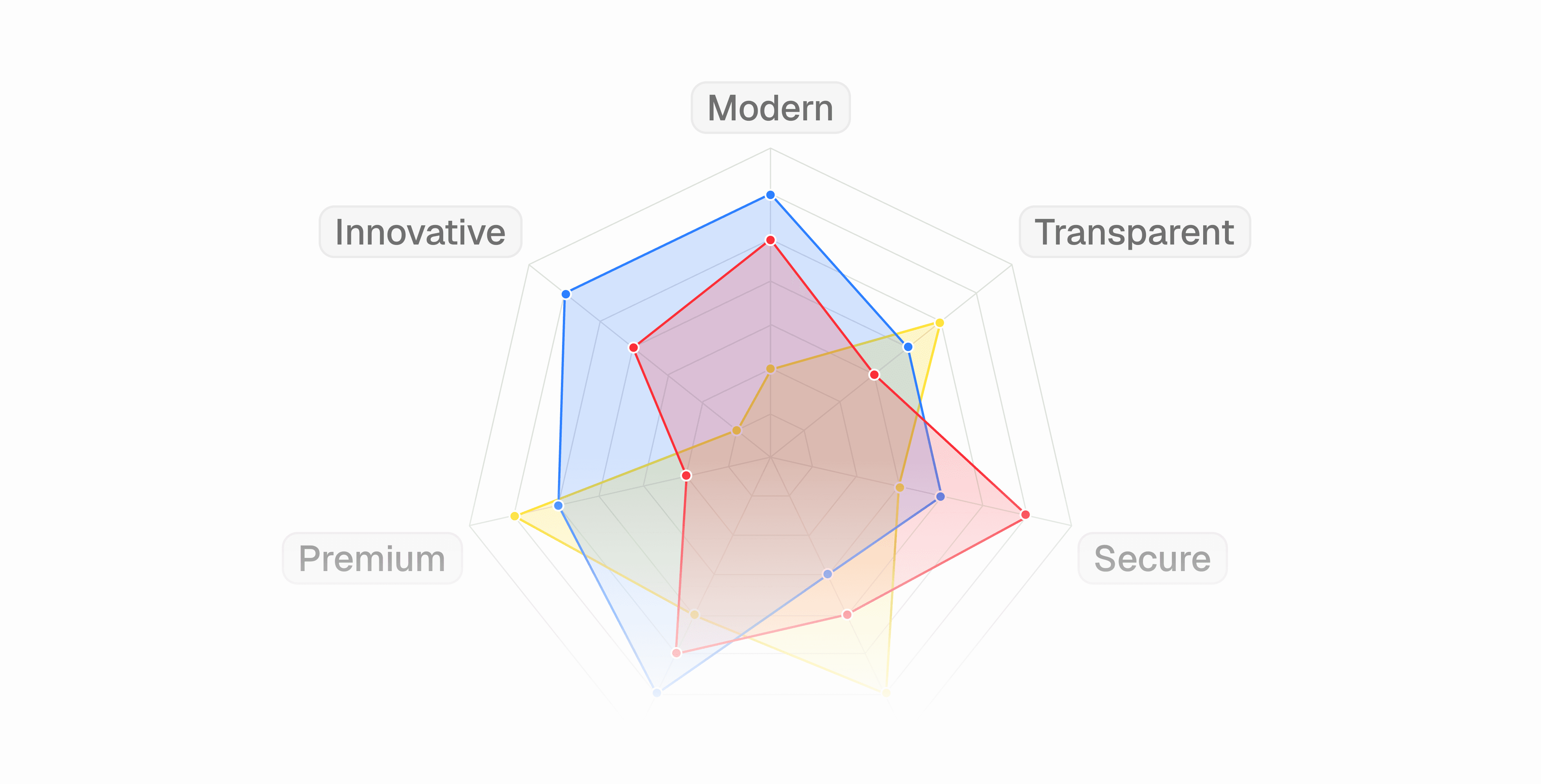
Choose from 80 Peec widgets across brand insights, brand perception, attributes, domains, URLs, keywords, query fanouts, and shopping & products, plus charts the agent made in your chats. The catalog is searchable and only shows widgets with data for your project.
Any view can be your default, so the first thing you see when you open Peec is the view you use most.
Build a view
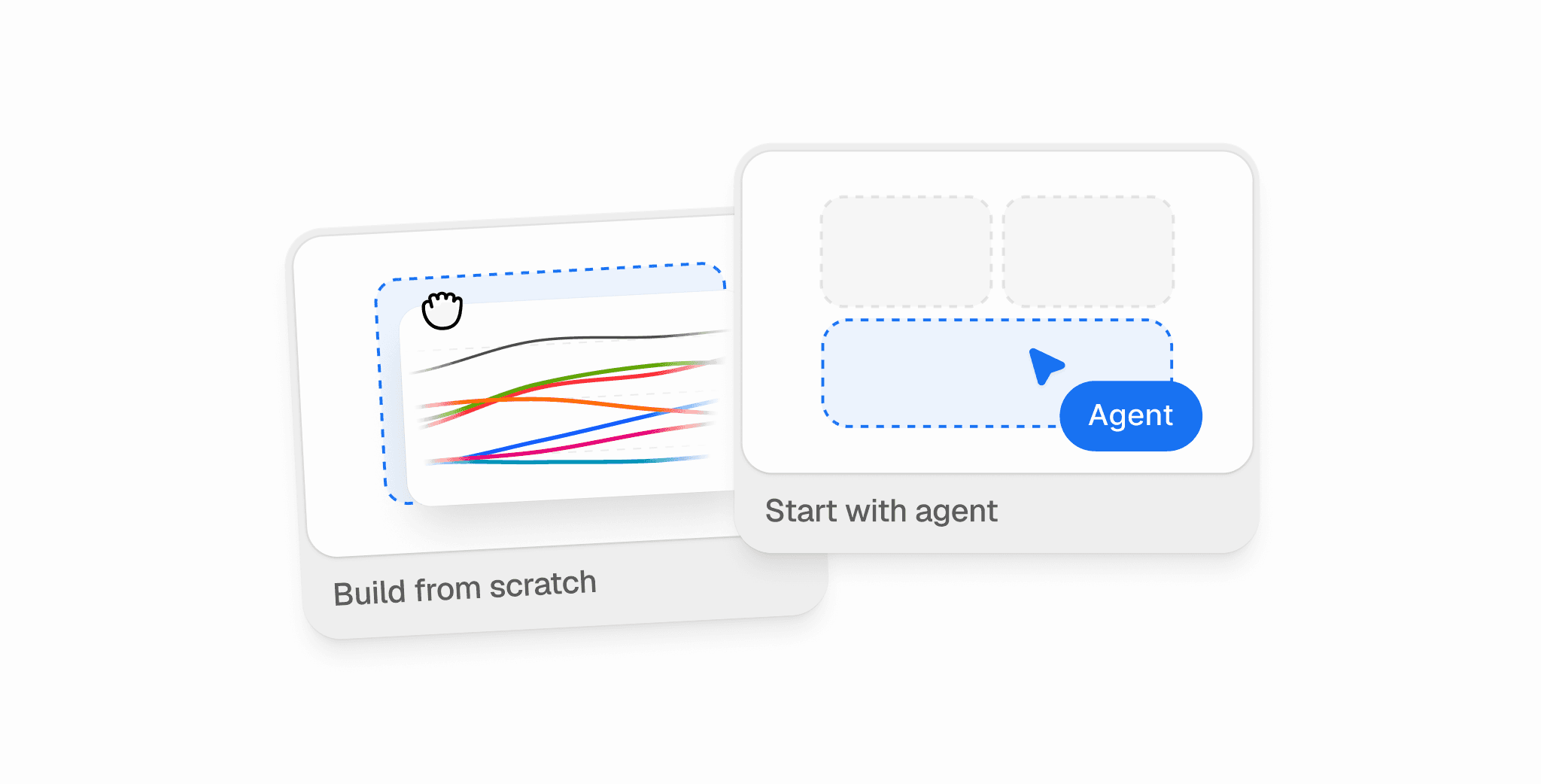
There are two ways to start: build it yourself, or ask the agent.
Build from scratch
Open Views in the sidebar and create a new view.
Switch on the metrics you want in the top strip, like visibility, sentiment, position, share of voice, or win rate.
Search the catalog and add the charts and tables you need.
Drag widgets to reorder them, and drag their edges to resize. 6 columns is half a row, 12 is the full row.
Add a name and a description, then save.

Unfinished views are saved as drafts, so you can come back to them later.
Start with the agent
Describe what you want to track, or type /create-view. For example: "Create a view that focuses on sources and sites."
The agent checks the your project and available widgets , then proposes a name, a description, and a layout. Confirm the details to save your new view. The agent asks follow-up questions when it needs more detail.
You can edit the result like any other view. To list, change, or delete views you're allowed to edit, use /manage-views.
Discover and share views
Find them. All your views are in one list. Switch between the All and Bookmarked tabs, or search. Views your colleagues shared with you show up there too, with the owner's name. Duplicate any view to use it as a starting point for the next one.
Bookmark them. Bookmarked views sit in the sidebar, one click away. Bookmarks are personal, so your shortlist doesn't change anyone else's.
Share them with your team. Views are private by default. Share one with your project or your whole company, and choose whether people can view or edit it. Saved edits go live for everyone who opens the view.
Share them outside Peec. Create a public, read-only link, and add a password if you want. Guests see every widget, fact checking included, and the link always shows live data.

Five views to start with
Pick widgets from the third column, or paste the prompt in the last column into the agent.
View | Who it's for | What to add | Or ask the agent |
|---|---|---|---|
Content | Content teams | Top URLs, URL types, URL gaps, Domain gaps, URLs over time | "Build a view that shows which pages AI cites and where we're missing" |
AI traffic | SEO and web teams | Crawl activity, Bot visits by bot, Request health, Why AI requests you, AI and human traffic, AI referral landing pages | "Build a view on how AI bots crawl our site and the traffic they send" |
Brand reputation | Brand and comms teams | Brand shape, Objections, Contradicted claims, Claims by fact, Sentiment, Competitor trend, Domain types | "Build a view on what AI says about us, what it gets wrong, and where it learns it" |
Competitor watch | Product marketing and leadership | Top brands, Competitor trend, Top rankings, Share of voice, Win rate | "Build a view comparing us to our top competitors" |
Client report | Agencies | Visibility trend, Performance matrix, Own source impact, Recommended actions, Total impact | "Build a weekly client report for this project" |
What's next
Saved filters are in early access now: turn it on to give a view its own topic, model or country presets. Up next, filters per widget, so the same chart can show ChatGPT and Gemini side by side.
Views are live for all accounts now. Already using Peec AI? Open Views in the sidebar. New to Peec? Start a free trial or book a demo.