ChatGPT Business Hub: what the numbers tell you

CPO & CMO, Peec AI
TL;DR: Business Hub gives you ChatGPT’s own count of how often it references your website and how many people click through. It doesn’t reveal the competitive landscape, show gaps in your visibility, or offer concrete recommendations to improve your AI search performance.
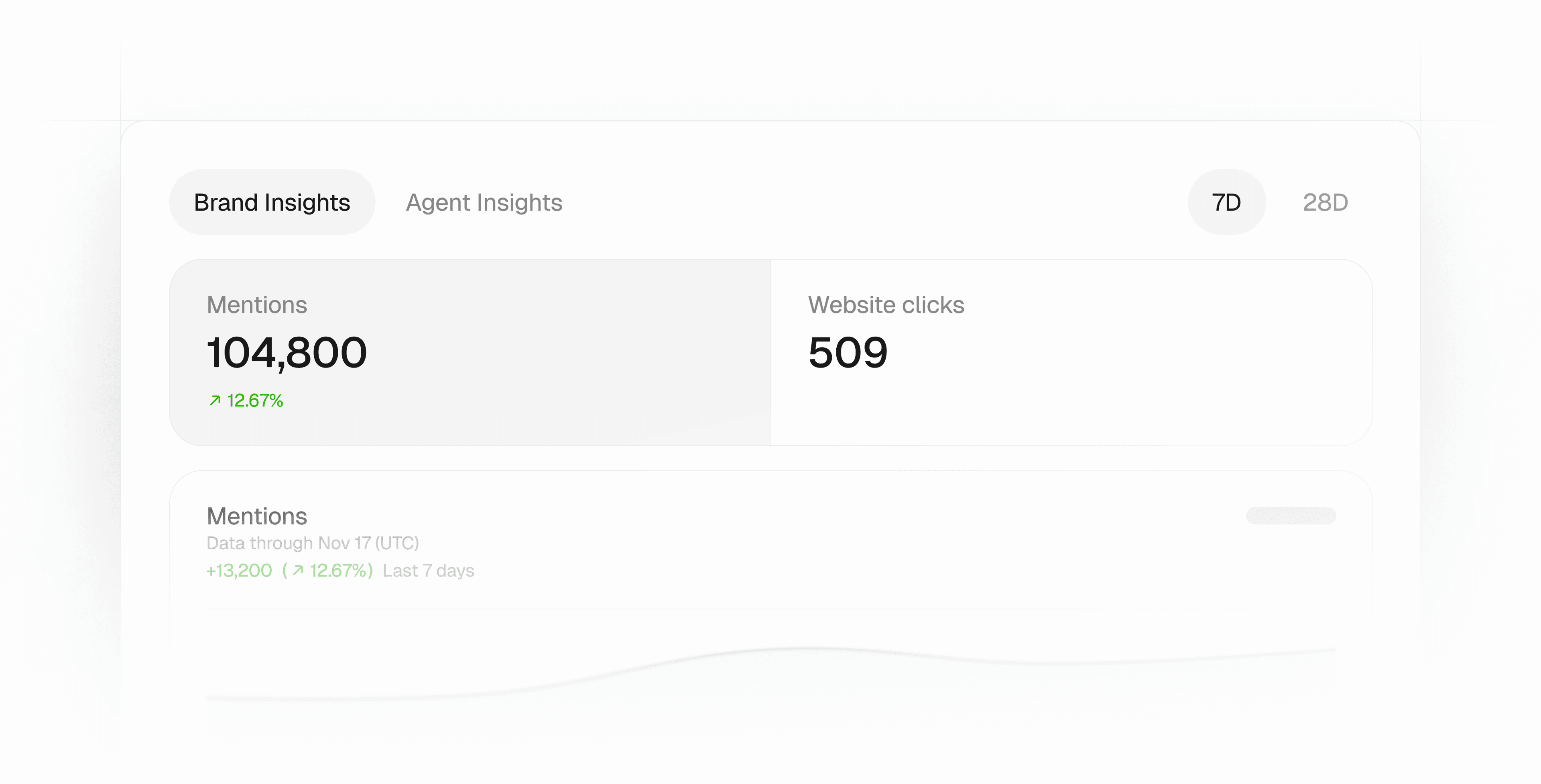
On November 10, OpenAI launched Businesses in ChatGPT in beta. Brands that claim their business in Business Hub now see how often ChatGPT references their website, how many people click through, and which topics those conversations cover.
It works like the Google and Bing tools you already know:
- A Search Console-style view of how often ChatGPT points to your website.
- A product feed upload like the Merchant Center.
- A verified profile like Google Business Profile.
This is good news for marketing teams. A number from ChatGPT itself is easier to take to leadership than a vendor’s estimate. And I expect it to convince more companies to invest in AI search.
Knowing how often you were mentioned usually triggers three questions: where are we not showing, who appears instead, and what can we do to show up more often?
ChatGPT Business Hub can’t answer any of them.
What does ChatGPT Business Hub report?
Business Hub shows mentions, website clicks, and topics for a rolling 7- or 28-day window.
OpenAI’s definition of a mention is narrower than the one used across the GEO industry. It counts links and citations to your website (plus map results for local businesses). All rolled into a single number. An answer that names your brand without referencing your website? Not counted. A mention of your brand that links to your G2 profile or TikTok account? Not counted either. An answer where your website is cited but your brand is not mentioned? Counted!
In contrast, Peec AI counts answers that name you with or without a link, and reports mentions, citations, sources, and links separately.
Business Hub helps with accuracy. You can correct your business details, upload product feeds, and keep your profile current, so ChatGPT works from the right facts. It doesn’t show which content or sources shape the answers, or how to appear ahead of a competitor. Google Search Console and Bing Webmaster Tools show you your own search performance, but offer little guidance beyond fixing foundational errors. I don’t expect Business Hub to go much further.
What is a good CTR?
For all the brands I have checked, CTR is below 1%, often below 0.5%. An analysis of one publisher’s OpenAI report found similarly low rates, with many URLs at 0.5% or below.
Are there any problems with Business Hub data?
To protect user privacy, OpenAI aggregates the figures and hides them until there’s enough activity to report. That means smaller brands may see blank metrics for a while.
You also won’t see the prompts people asked, fan-out queries generated by these prompts, which competitors showed up, which topics you did not show up for, or which sources ChatGPT used to generate an answer. There is no differentiation between branded and non-branded prompts, no information on whether your brand was recommended, and no indication of which attributes were used to describe your brand.
Also, just like web analytics or log file data, ChatGPT Business Hub data is seasonal. A drop in mentions on one day might be caused by public holidays or summer vacations. A spike on another day can be caused by the launch of a TV advertising campaign. Such data is valuable, no doubt. But it is more difficult to interpret. This is usually tackled by looking at year-over-year trends. But that data does not exist yet.
How do you find the AI answers you’re missing from?
Business Hub only shows your top five discovery topics, all based on conversations where you already appear. That tells you something about where you’re showing up, but nothing about the opportunities you’re missing.
Here’s how that looks for us. In our Business Hub, 74% of topic share falls under “Business vendors and service comparisons.” That tells me Peec shows up in conversations about comparing vendors and services. But it leaves plenty unanswered. Are there bigger topics where we don’t show up at all? And within this topic, how often do we appear? In every chat? Half? Just 1%? Business Hub doesn’t tell us.
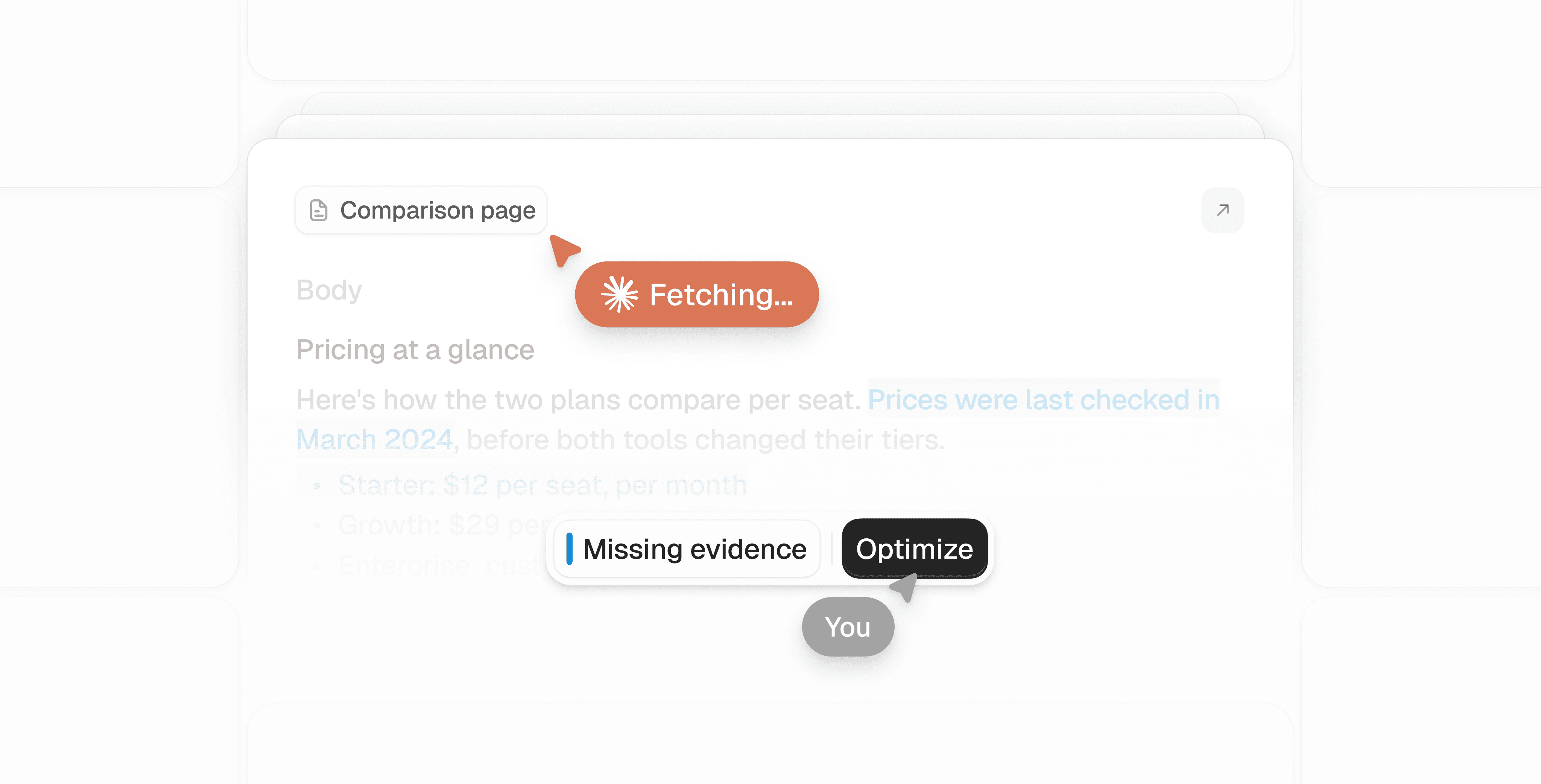
That’s where I turn to Peec AI. For comparison prompts such as “What’s the best tool to track AI visibility?”, I can see whether we appear, which competitors show up instead, and which pages the answer uses as sources. Actions then suggest what to work on, such as updating our content or getting included on a relevant comparison page. After making a change, I can track whether we appear more often on those prompts.
How do Business Hub and Peec numbers compare?
The closest match is between mentions in Business Hub and mentions plus citations in Peec AI.
But you should expect major differences:
- Seasonality: Business Hub data is seasonal. Numbers on a Saturday are different from those on a Wednesday. This is not the case for Peec AI.
- Prompt intent: The typical Peec AI customer primarily tracks non-branded commercial prompts. These are usually the most competitive ones. Mentions may come from customer support or after-sales prompts. Depending on the content you publish, they may also come from people outside your ICP who receive an answer citing one of your blog articles.
- Location: There is no country or language filter. While Peec AI customers usually look at country-level data, Business Hub always gives you global data.
How does Business Hub fit into your AI search strategy?
I would treat Business Hub like Google Search Console or Bing Webmaster Tools. It offers first-party data worth using, even with limited filtering options.
If you work on AI search, you should use all the data you can get. The topics from Business Hub can inform the prompts you track. The official click and CTR numbers support the narrative that GEO is about decisions, not clicks. And the mention count can help demonstrate the relevance of AI search.
Peec AI helps you take the next step: find the prompts where you’re missing, see who appears instead, and work through a prioritized list of recommended changes backed by evidence.
What should you do now?
My advice: claim your business in ChatGPT. Keep your information current and use Business Hub’s reporting to understand how often ChatGPT references your website and records clicks.
Then use Peec AI to see the full picture: how AI platforms recommend and describe your brand, and which sources shape those answers. Connect your analytics to see what happens after the click, from the pages visitors land on to whether they convert.