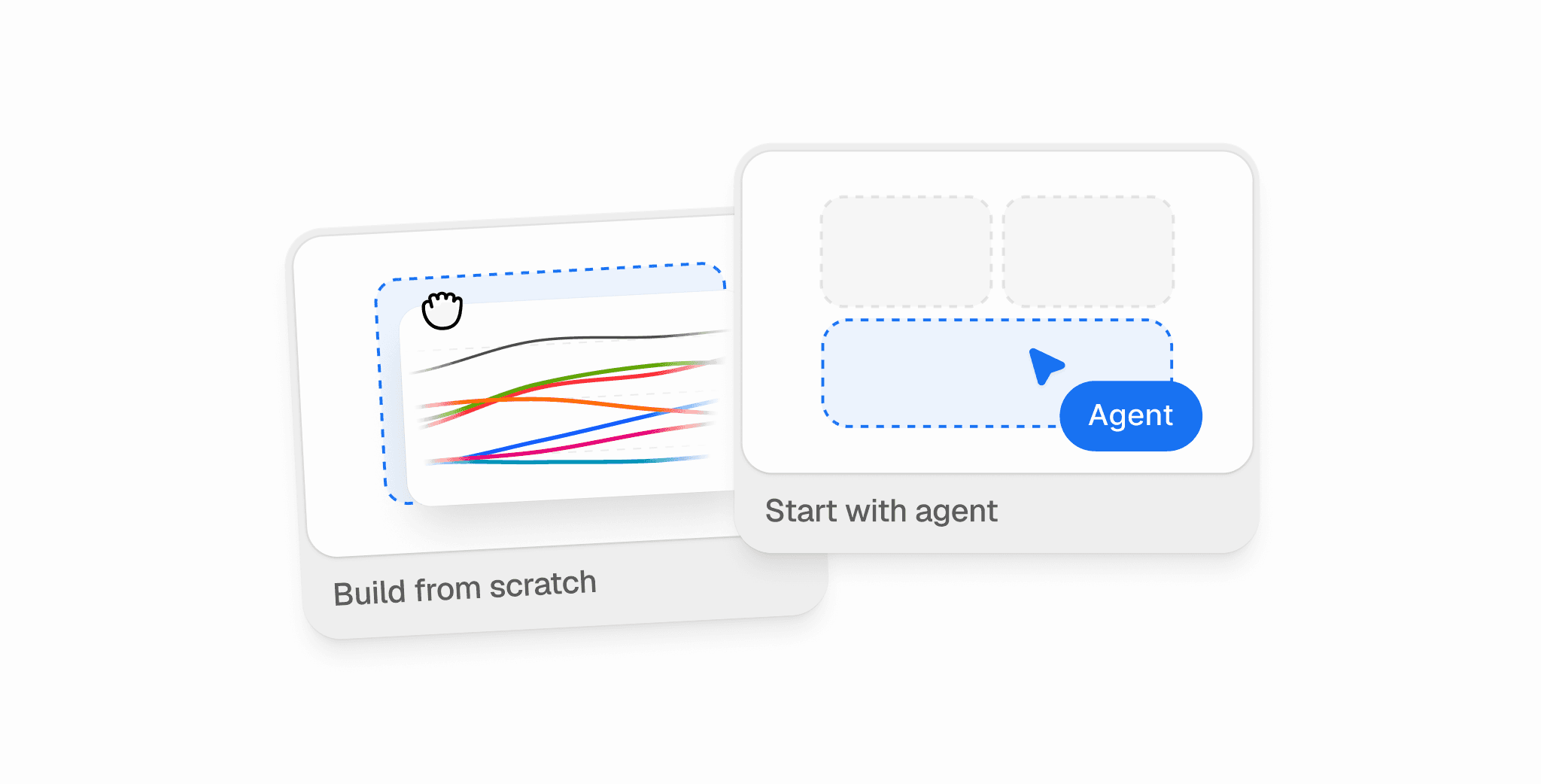
TL;DR: We’ve redesigned actions and introduced Peec Agent to turn AI search data into practical recommendations your team can act on. Understand what’s changing in your performance and why, identify the opportunities worth pursuing, and work through them in Peec. You can also connect the tools your team already uses to take the work further.
AI search creates work beyond SEO
AI search has largely been treated as an SEO responsibility. And while SEO teams are often the first to measure performance, improving it can involve people across the business.
Your product pages might be missing information buyers need, or a crawler issue could be keeping AI engines from reading your site. Elsewhere, competitors are getting mentioned in articles you’re absent from, and inaccurate claims about your brand are going unchallenged.
Much of that work sits outside SEO. And forwarding a recommendation doesn’t mean someone can act on it. They still need to understand why it matters, what good looks like, and where to start.
When we launched actions back in February, they helped identify opportunities, but left much of the evidence, explanation, and execution up to you.
With this release, we’re bringing those pieces together.
What’s new in actions
The redesigned actions experience gives you a prioritized list of ways to improve how your brand is discovered, described, and recommended by AI engines. Recommendations draw on your prompt data, how AI engines talk about your brand, market best practices, and Peec’s own research. Each comes with supporting evidence, whether that’s an article being cited, the prompts it appears in, or a page on your site that needs attention. With Peec Agent, you can investigate recommendations and work through the next steps without leaving Peec.
A five-level impact scale helps you compare opportunities across technical, on-page, and off-page improvements. You can see how a crawler issue stacks up against an opportunity to get mentioned in an industry publication, rather than weighing two very different recommendations yourself.
The recommendations fall into three categories.

Technical fixes
Let AI crawlers reach your site
Find out what’s preventing AI crawlers from accessing your site. It could be a blocked bot, an invalid sitemap, or a page the crawler couldn’t read in full. Each action shows you where the problem is and what needs investigating.
Fix how AI reads your site
A broken link in your organization schema, a missing H1, or incomplete metadata can make your pages harder for AI engines to interpret. Recommendations also surface opportunities to improve your site’s readiness for AI, such as adding an llms.txt file.
On-page improvements
When we first introduced actions, we deliberately stopped short of generating content for you. Your positioning, expertise, and editorial judgment matter. With this release, we’re making it easier to act on recommendations while keeping you in control of what gets published.
Improve existing pages
Product page optimization actions identify information missing from your existing pages, such as details about integrations, permissions, workflows, or enterprise suitability. Each recommendation points to a specific page and explains what you should consider adding.
For feature pages, articles, and listicles, you can also use content optimization to work through suggested changes directly in Peec. Open an action and you’ll find your existing page alongside recommendations informed by the prompts and sources behind it. The summary it’s missing. A claim you make with no reason given. A source you should be citing and aren’t.
Review suggestions one by one, edit them yourself, or highlight a passage and ask Peec Agent for help. You decide which changes to publish.
Identify new pages to create
When competitors keep getting cited on topics you haven’t covered, actions can identify the gaps and prepare content briefs with suggested structures, headlines, proof points, and metadata. You can review and edit each brief before handing it to your content team.
Off-page improvements
Get mentioned elsewhere
Most of what AI engines read about you sits on pages you don’t own. A roundup you’re missing from, a review profile that needs attention, a forum discussion that keeps getting cited, or an industry publication covering your competitors but not you.
Off-page actions identify the relevant sources and explain why they’re worth your attention. Where available, you’ll also find information about the people behind them, so you can work out who to approach and what to say.
Correct inaccurate claims
AI engines sometimes get things wrong about your company. Fact-checking actions identify inaccurate claims and trace them back to the pages that contributed to them, so you can see where the misinformation originated and which sources need attention.
You can also create your own actions to track opportunities your team identifies, alongside Peec's recommendations.
Meet Peec Agent
Peec Agent lives in your sidebar, with an understanding of your brand and the work you’re doing in Peec. It draws on your brand profile, custom instructions, and agent memory, alongside the context of your current project, page, date range, and filters. Point it to a chart and ask a question. The agent can investigate the underlying data without you having to explain everything from scratch.
Ask why visibility dropped, how AI engines describe your brand, which competitors are gaining ground, or why a particular source keeps appearing in AI answers. The agent can also work with information from connected tools, so you can investigate questions that go beyond the data you’re tracking in Peec.

But it isn’t just for analysis. You can also use your agent to get more out of Peec itself.
Set up and improve your projects
Ask the agent to help set up a new project, expand your tracked prompts, or troubleshoot an existing setup. If you’re entering a new market, launching a product, or realizing that your current prompts don’t cover an important part of your category, the agent can help you work out what to track.
You can also use it to investigate gaps or inconsistencies in your setup, rather than working through every setting yourself.
Go deeper with skills
Need to understand a visibility drop or find gaps in your content? Start with one of Peec Agent’s built-in skills. They guide the agent through common GEO analyses, so you don’t have to work out every step yourself.
You can also create custom skills for questions your team approaches in a particular way. If you have a standard process for reviewing competitor movements, for example, you can turn it into a skill that other people on your team can use.
Build views from your findings
Ask the agent to build a saved view from an investigation, using the charts and widgets available in Peec. You can return to the analysis later or share the view with colleagues and external stakeholders.
Take the work to the tools your team already uses
A recommendation might start in Peec, but the work often belongs to another team. Engineering needs the details of a crawler issue. Content needs a brief. PR needs the context behind an outreach opportunity.
Peec Agent connects with the tools those teams already use, so you can hand over the work directly from Peec. There are more than 25 connections available today, covering project management, content publishing, CRM, analytics, outreach, and more.
If an action identifies a crawler issue, the agent can help create a Linear ticket with the relevant evidence. If you identify a content gap, it can help prepare a brief and hand it over. And if a publication keeps getting cited for your category, it can help research the people behind it and prepare outreach using connected tools.
You choose which tools to connect and what the agent can access. Any changes it wants to make need your approval first.

What this looks like across teams
AI search performance is influenced by work across SEO, engineering, content, PR, and other teams. The same visibility and brand perception data can lead to very different next steps depending on what the investigation turns up.
SEO: Investigate a crawler issue
GPTBot visits to a key page have dropped to zero. You ask the agent to investigate, and it traces the change back to a rule that’s blocking the crawler.
The technical action explains the issue and the pages affected. From there, you can create a Linear ticket for engineering with the evidence attached, rather than forwarding a screenshot and asking someone to look into it.
PR and comms: Address negative perceptions
AI engines keep describing your product as difficult to use. You investigate the answers and find that reviews are contributing to that perception.
Peec Agent can help you look into the relevant sources, identify satisfied customers through HubSpot, and prepare a review campaign in Customer.io.
Content and growth: Understand AI referral traffic
ChatGPT is sending more visitors to your website than it was last month. But are those visitors doing anything once they arrive?
Connect PostHog and ask the agent to compare AI referral traffic with your conversion data. You can investigate which landing pages attract visitors who convert, where people drop off, and whether the pages performing well in AI search are contributing to your wider goals.
That analysis can inform which existing pages you improve and where new content might be worth creating.
Social and influencer: Find relevant creators
YouTube is one of the most frequently cited domains for your category, but the videos being referenced rarely mention you.
Ask the agent to investigate the channels appearing in those citations. It can help you identify relevant creators, research their contact details through Clay, and prepare outreach in lemlist.
See what happens after you act
In-progress and completed actions are visible on your Impact page as markers on your visibility timeline. If you update a page, resolve a crawler issue, or run an outreach campaign, you can look at subsequent changes in visibility alongside the work your team has done.
This doesn’t establish that a particular action definitively caused a change in performance. But it gives you a record of what happened and when, making it easier to review progress and decide what to focus on next.
Get started
The redesigned actions experience and Peec Agent are available across Peec plans starting today. Existing customers can access the updated actions in their projects.
Open Actions to review prioritized recommendations, or navigate to Agent to investigate your data, improve your project setup, and work through recommendations.
Peec Agent is included in every plan, with a monthly allowance of agent credits shared across your company. Your allowance depends on your plan, and different tasks use different amounts of credits. If your company needs more, you can add a monthly credit pack. Learn more about credits in our docs.
As part of today’s launch, existing customers get 5,000 bonus credits, valid for 30 days. New sign-ups can explore Peec Agent with up to 5,000 additional credits during their first 24 hours.
If you're not using Peec AI yet, start a free trial to claim your credits.