Routines: hand recurring AI search work to Peec Agent

Product Marketer
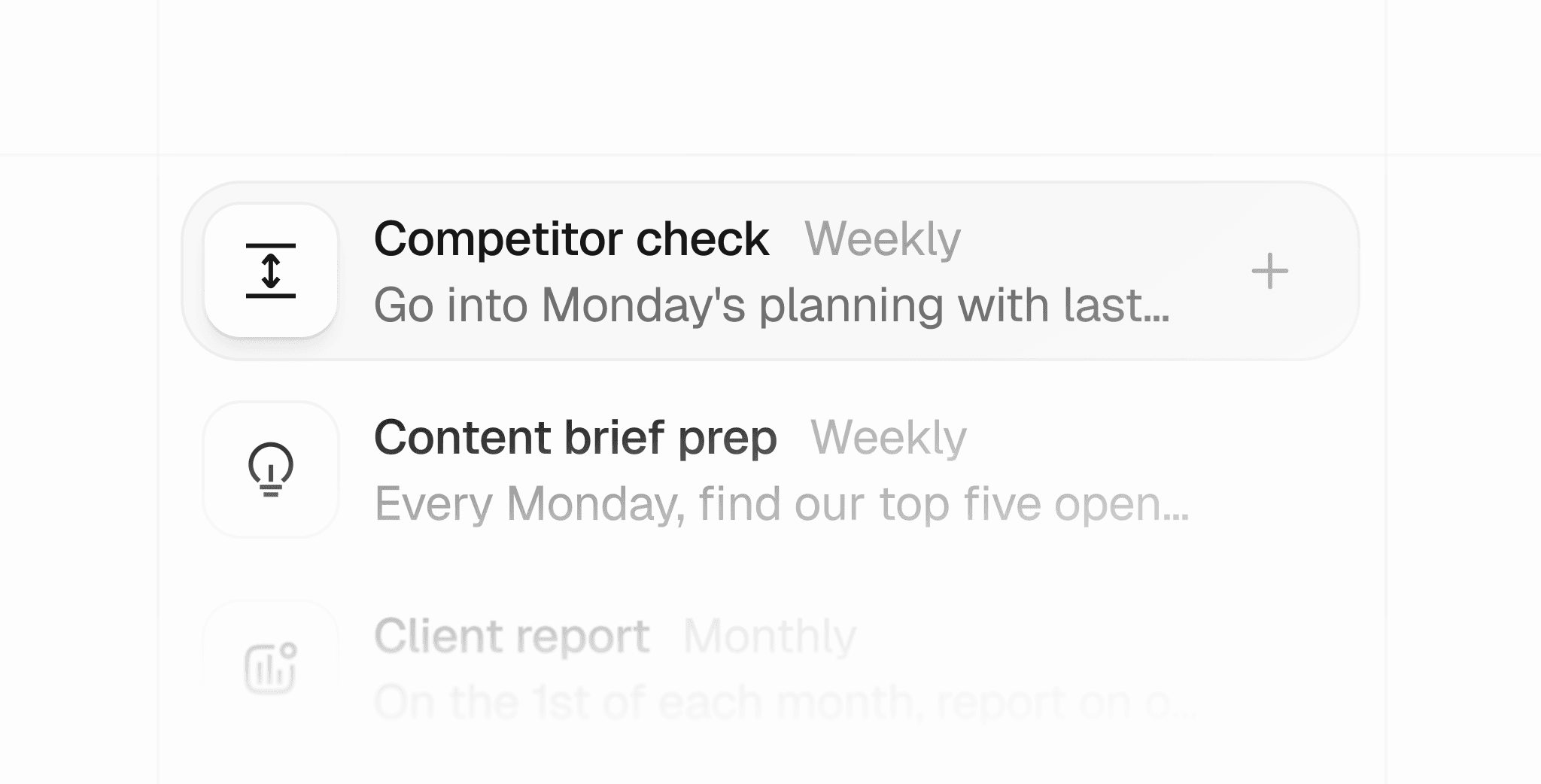
Improving how your brand shows up in AI search takes two kinds of work. Some of it needs your team's judgment, like deciding which gaps to close and what to publish. The rest is recurring and well scoped: pulling the data, writing it up, gathering context from other tools, and passing tasks to the right people. It keeps coming back and takes time away from the decisions.
Routines hand that recurring work to Peec Agent. Set up a routine once, and it runs on your schedule. Choose the skills it uses, the tools it connects to, and what it can do on its own. The important decisions stay with you.
Describe routines in plain language
Routines can be simple or sophisticated. This is a complete one:
Every Monday, compare our visibility with our top three competitors over the last week and name the sources behind the biggest change.
Routines do more when you combine them with your agent's other capabilities. Use an existing agent skill, like Diagnose a visibility change, in your routine with /, or use @ to work with a supported connector. The agent already knows your project and your brand context, so two sentences are enough to get a report on your own brand, competitors, and sources.
Setup is simple: describe your workflow to Peec Agent so it can draft a routine for you to review and approve. You can also start from a template or write the instructions yourself. Your routines are private to you and run with your own connected tools.
Three routines to start with
Weekly competitor check
Go into Monday's planning with last week's competitor shifts already explained, down to the sources behind them.

Set up a routine that compares last week's visibility with your competitors', finds the sources behind the biggest change, and emails you the results each week. Your team can use the planning meeting to decide what to do next.
Weekly content brief prep
As part of actions, Peec already drafts content briefs with the evidence behind them. A routine can add what your customers said: it matches the questions and objections from recent calls to each brief, so whoever writes the page doesn't have to dig through call notes first. For example:
Every Monday, find our top five open content briefs by impact. Read last week's customer and prospect calls in @Granola and pull out recurring questions, objections, and the words customers use. For each brief, note what the calls suggest it should cover, with supporting quotes. Email me the summary, and create a @Linear issue for each brief so the team can discuss it.

You get a summary to scan, and your content team gets a Linear issue for each brief with all the relevant context attached. When it comes to which briefs to pick up, your team stays in charge.
Monthly client report
Stop rebuilding reports by hand every month. A routine can build the draft for you:
On the 1st of each month, report on our AI search performance for the previous month compared with the month before, including the competitor that changed most and the top open actions by impact. Use Review your visibility and Analyze a competitor. Build it as a draft deck from our client template in @Pitch, and leave it unshared.

Open the draft in Pitch, add your interpretation and recommended next steps, and send it when you're ready. (If you don't use Pitch or Gamma, use the Build a slide deck skill to generate a PowerPoint file.)
You decide how much the agent does on its own
Set how much each routine can do without your direct supervision:
- Connections: Choose which of your connected tools the routine can use, from more than 30 connectors.
- Write access: Keep a routine read-only, or let it make changes, with or without your explicit approval.
- Questions: Let a run stop to ask you something, or have it decide on its own and state its assumptions.
Results from every run are posted in the routine's history, and you can also have a summary sent to your inbox. Open any run to see what the agent did and why, and ask follow-up questions from there.
Turn last week's busywork into a routine that runs itself
Start with the task you repeat most often, or the skill you run every week. Set it up as a routine, pick a cadence, and refine the instructions as you go. Each routine you add shifts more of your week from repetitive tasks to the work that needs your judgment.
Routines are live on every plan. If you already use Peec AI, open Routines in Peec Agent to set up your first one. If you're not using Peec AI yet, start a free trial and see how routines can save you time.